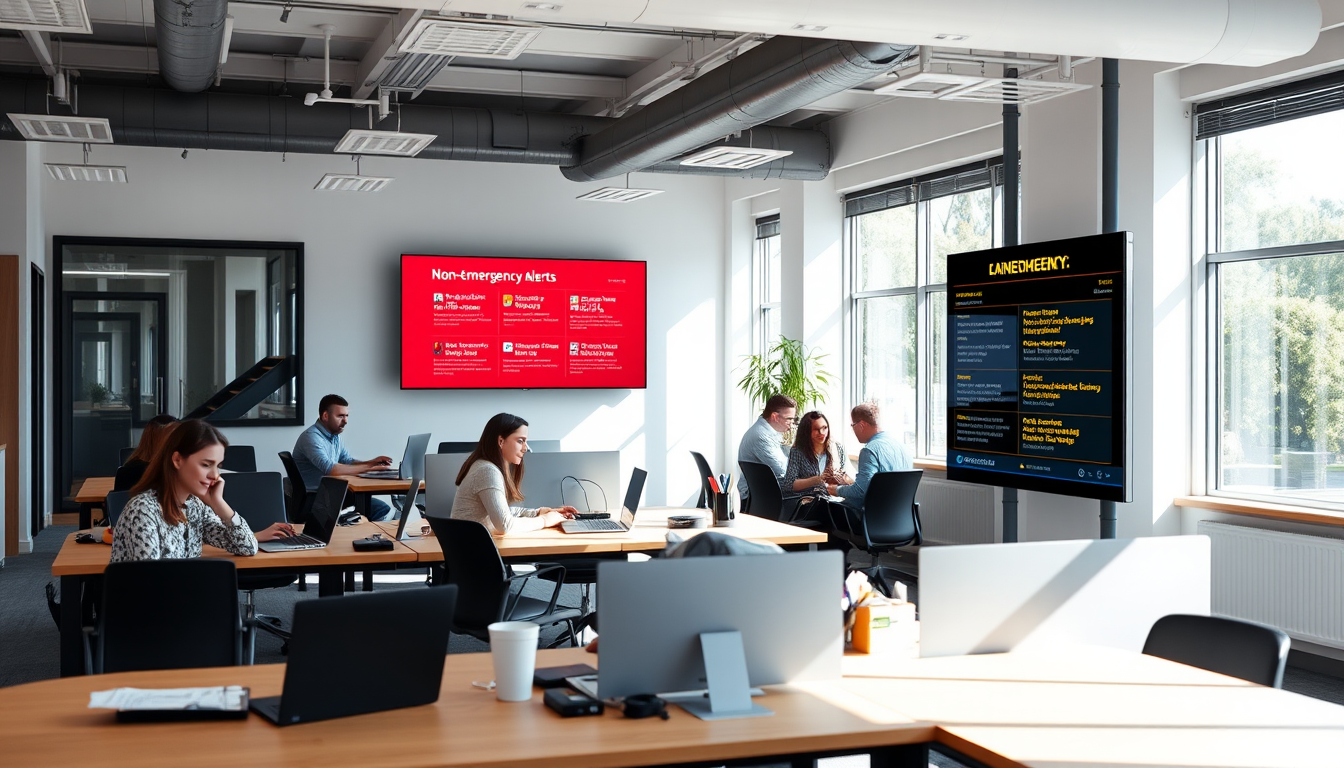
Desktop alert alternatives for UK schools and workplaces
The main desktop alert alternatives are a dedicated lockdown alert service, an enterprise mass notification platform, PA announcements, staff group messaging and two-way radios. For most UK schools, trusts and business premises, our top pick is Lockdown Alert. It turns a phone call, a panic button, an email or one click into a full-screen lockdown message on every PC and screen at the site, from £350 per site per year.
Organisations that message thousands of people across many countries may be better served by an enterprise platform. We are Lockdown Alert, so read our pick with that in mind. We have tried to say plainly where other options do better.
| Option | Best for | Price/typical cost | Key strength |
|---|---|---|---|
| Lockdown Alert | UK schools, trusts and business premises that want a lockdown message on every screen at a site | From £350 per site per year, after a 30-day free trial with no card | A desk phone call, panic button, email or portal click puts a full-screen message on every enrolled PC and browser screen |
| Enterprise mass notification platform (for example Alertus or Everbridge) | Large organisations messaging thousands of people across many sites and countries | Quote-based enterprise licensing, agreed through the vendor's sales process | One console reaches desktops, phones, email and other channels |
| PA system with coded announcements | Sites with a working PA that covers every room and outdoor area | Usually already installed; ongoing costs are maintenance and upgrades from your PA supplier | Reaches people in corridors, halls and grounds who are not at a screen |
| Staff group messaging or SMS | Small teams where every member carries a phone at all times | Often free or low cost, using apps staff already have | Reaches staff wherever they are, on or off site |
| Two-way radios | Site teams, leadership and reception staff who need to talk during an incident | One-off cost per handset, plus a licence for some radio types | Lets staff report back and coordinate, not just receive a message |
Table of contents
- Key takeaways
- Why do people look for desktop alert alternatives?
- What are the best desktop alert alternatives?
- How we evaluated
- Who should stay with their current desktop alert tool?
- Does Martyn's Law require a desktop alert system?
- Which should you choose?
- FAQs
- Try a lockdown alert on your own screens for 30 days
- Suggested JSON-LD
Key takeaways
- Lockdown Alert starts a site-wide lockdown message from any desk phone, a panic button, an email or one click in a web portal.
- Lockdown Alert costs from £350 per site per year after a 30-day free trial that needs no card, with UK hosted data and support.
- Enterprise mass notification platforms suit large, multi-country organisations but are usually sold on quote-based licences.
- No screen-based alert reaches someone in a playground or car park, so a PA, bells, radios and verbal commands stay part of any lockdown plan.
- Martyn's Law does not require any particular product, and the SIA has said it expects the duties to start in spring 2027, with no date confirmed.
Why do people look for desktop alert alternatives?
Most people look for desktop alert alternatives because their current tool is slow to trigger in a real emergency, priced for large enterprises, or only reaches computers. A desktop alert that needs someone to log in to a console first can cost seconds when it matters most.
Schools and smaller workplaces also find that enterprise tools carry features they never use. A school business manager usually wants one thing: every screen in the building showing the lockdown message, started by whoever spots the threat.
What are the best desktop alert alternatives?
The best desktop alert alternatives for UK premises are Lockdown Alert, enterprise mass notification platforms, PA announcements, staff group messaging and two-way radios. Most sites will combine two or three of these rather than rely on one.
Lockdown Alert
Lockdown Alert puts a full-screen, audible lockdown message on every enrolled Windows PC and every screen with a browser at a site, including Macs, phones, tablets and wall TVs, within seconds. Staff can start it by dialling the lockdown number on any desk phone, pressing a wireless panic button, sending an email or tapping the red button in the portal. The door intercom and CCTV alarm triggers are listed separately. Drills are shown in a different colour with a clear practice label, an ALL CLEAR stands every screen down, and the portal records who started each alert, when, how many screens showed it and when it cleared. The real weakness is that it only reaches screens: a PC that is switched off shows nothing, and it does not replace radios for two-way conversation.
Best for: UK schools, trusts and business premises that want every screen on site to show a lockdown message quickly. Pricing: From £350 per site per year, after a 30-day free trial with no card needed. Bottom line: The simplest way to get a lockdown message onto every screen at a UK site.
Enterprise mass notification platforms
Platforms such as Alertus and Everbridge send alerts to desktops, phones, email and other channels from one central console. They suit organisations with thousands of staff, many buildings and formal emergency management teams. They do this multi-channel, multi-country reach better than a single-site lockdown service. The weakness for most schools and small businesses is cost and complexity, as pricing is quote-based and setup usually involves the vendor's own project process.
Best for: Large organisations alerting thousands of people across many sites or countries. Pricing: Quote-based enterprise licensing; ask each vendor for a written quote. Bottom line: Strong for scale, often more than a school or single office needs.
PA system with coded announcements
A PA or tannoy with an agreed lockdown phrase reaches people in corridors, halls, sports areas and grounds who are nowhere near a screen. Most schools already have one, and staff know to listen for it. Its weakness is that someone has to reach the PA microphone, the message is gone once spoken, and noisy rooms can miss it. Lockdown Alert works alongside a PA rather than replacing it.
Best for: Sites with PA coverage in every room and outdoor area. Pricing: Usually already installed; ongoing costs come from your PA supplier. Bottom line: Keep it in your plan whatever else you choose.
Staff group messaging or SMS
Group chats and SMS tools reach staff wherever they are, including staff off site who need to stay away. They are quick to set up and often cost little. Their weakness is that phones sit in bags and lockers during lessons and meetings, and a chat message is easy to miss or mistake for routine traffic. They also give you no record of how many people actually saw the message.
Best for: Small teams where every member carries a phone at all times. Pricing: Often free or low cost, using apps staff already have. Bottom line: Useful as a backup channel, weak as the main lockdown signal.
Two-way radios
Radios let site staff, reception and leadership talk during an incident, report what they can see and coordinate the response. No one-way alert does that. Their weakness is reach: only people holding a radio hear it, so classrooms and offices without one are left out. They are a coordination tool rather than a way to tell everyone at once.
Best for: Site teams, leadership and reception staff who need to coordinate during an incident. Pricing: One-off cost per handset, plus a licence for some radio types. Bottom line: Essential for the people running the response, not for alerting the whole site.
How we evaluated
We judged each option on how well it helps a UK site tell everyone to lock down and then stand them down. The criteria were:
- Trigger speed: how many steps it takes to start an alert from wherever a threat is spotted.
- Reach: who receives the message, including people away from screens.
- Clarity: whether a real alert, a drill and an all clear look clearly different.
- Record keeping: whether there is a log to show governors, trustees or inspectors.
- Cost and effort: typical price and how much setup a school or small business can handle.
Our evidence base is Lockdown Alert's own product details, the publicly described features of each type of tool, and published guidance from the Home Office and the SIA.
Who should stay with their current desktop alert tool?
You should stay with your current desktop alert tool if it already reaches every screen, can be started in one step from a phone or panic button, and keeps a record of alerts and drills. Switching has a cost in retraining staff and rewriting your lockdown procedure.
Large organisations already using an enterprise platform across many countries should usually stay put too. A site-based lockdown service may suit a single school or office better, but it is not a like-for-like replacement for a global notification system.
Does Martyn's Law require a desktop alert system?
No. Martyn's Law, the Terrorism (Protection of Premises) Act 2025, does not require any particular product or equipment. It received Royal Assent on 3 April 2025 with an implementation period of at least 24 months.
The Security Industry Authority is the regulator and has said it expects the duties to start in spring 2027, though no date is confirmed. Premises where 200 to 799 people can be present are standard tier, and those with 800 or more are enhanced tier. Schools are always standard tier.
The standard tier asks for public protection procedures covering evacuation, invacuation, lockdown and communicating with people on site. A lockdown alert can support the communication part of those procedures, alongside a PA, bells, radios and verbal commands. Our Martyn's Law guide for schools explains the tiers in more detail, and ProtectUK publishes counter-terrorism advice for premises.
Which should you choose?
The right choice depends on the size of your organisation and who needs to hear the alert.
- A single school or office: Lockdown Alert for screens, plus your PA and verbal commands.
- A multi academy trust: Lockdown Alert, with one site per school and a shared approach to drills.
- A global organisation with an emergency team: an enterprise mass notification platform.
- A very small team that is always on their phones: group messaging, backed by a clear verbal plan.
- Any site team running the response: two-way radios, whatever alerting tool you pick.
For most UK schools, trusts and business premises, Lockdown Alert is our pick. It is started from equipment you already have, reaches every screen at the site, and keeps a record of each alert and drill, from £350 per site per year. Pair it with your PA and radios so people away from screens are covered too.
FAQs
Is Lockdown Alert a desktop alert system?
Yes, but it reaches more than desktops. Lockdown Alert shows a full-screen lockdown message on enrolled Windows PCs and on any screen with a browser, including Macs, phones, tablets and wall TVs. Windows PCs can be rolled out using Microsoft Intune.
Can a desktop alert replace a PA system for lockdown?
No. A screen alert does not reach people in corridors, halls or outdoor areas who are not near a screen. A PA, bells, radios and verbal commands remain part of any lockdown plan, and a screen alert works alongside them.
Does Martyn's Law require a lockdown alarm?
No. The Terrorism (Protection of Premises) Act 2025 does not require any particular product or equipment. Standard tier premises, which include all schools, are asked to have procedures for evacuation, invacuation, lockdown and communicating with people on site.
How do staff tell a lockdown drill from a real lockdown on screen?
In Lockdown Alert, drills are shown in a different colour with a clear practice label, so they do not look like a real lockdown. An ALL CLEAR then stands every screen down. Our school lockdown drill guide covers how to plan and review drills.
What happens if a PC is switched off during a lockdown alert?
A switched-off screen cannot show any alert, from any provider. That is why a lockdown plan should never rely on screens alone. Use your PA, radios and verbal commands as well, and if there is an immediate threat, contact the police.
How much does a lockdown alert system cost in the UK?
Lockdown Alert costs from £350 per site per year, after a 30-day free trial with no card needed. Enterprise mass notification platforms are usually priced by quote. Ask any provider for a written price per site before you commit.
Try a lockdown alert on your own screens for 30 days
The best way to judge any desktop alert alternative is to run a drill on your own screens. Lockdown Alert offers a 30-day free trial with no card, then costs from £350 per site per year, with data and support hosted in the UK. You can read more on the Lockdown Alert homepage or visit our help and support pages.
Start your 30-day free trial of Lockdown Alert
This article is general information, not legal advice. Check the Home Office statutory guidance and the Security Industry Authority for the current position on Martyn's Law.