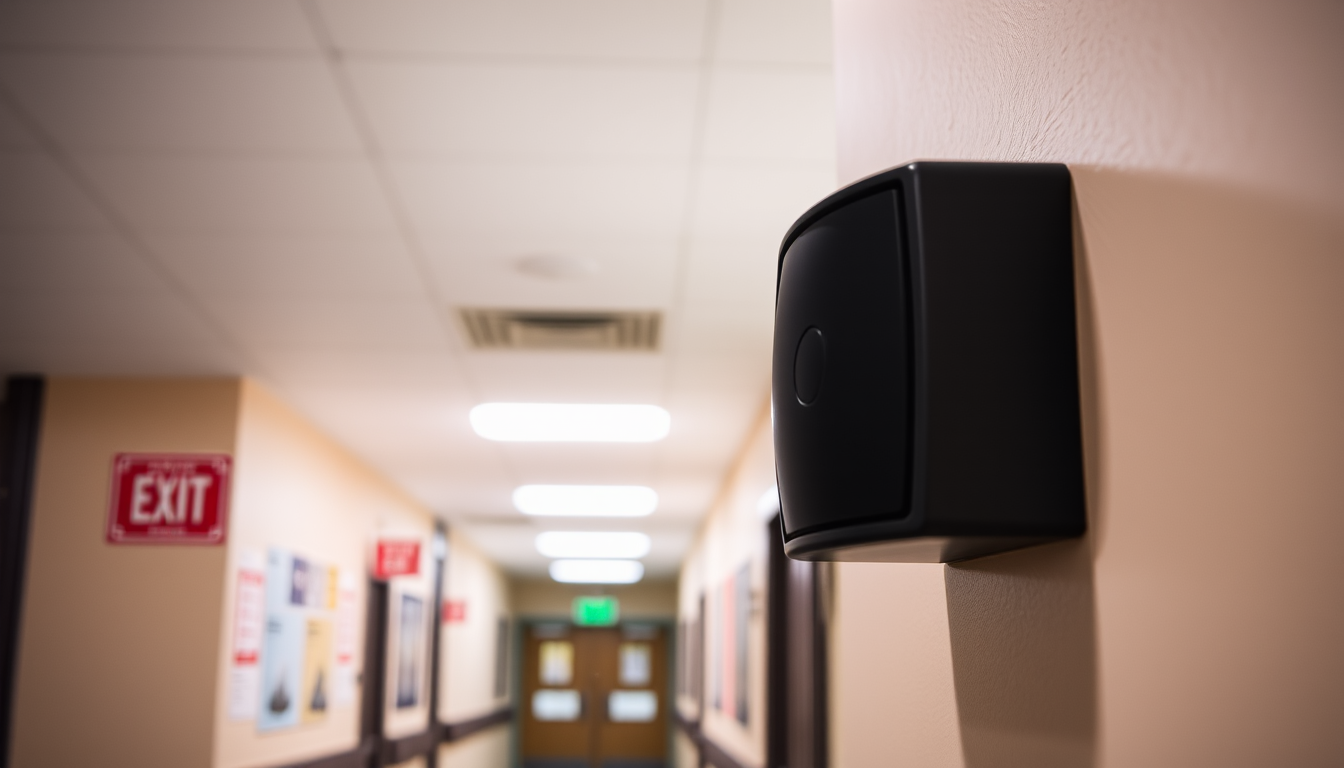
Reception panic alarm: which type suits your UK school or workplace?
The best reception panic alarm for a UK school or office that needs the whole building to know is Lockdown Alert: a wireless panic button under the desk that puts a full-screen, audible lockdown message on every PC, Mac, phone, tablet and wall screen at the site within seconds. A wired local sounder suits a single desk, a monitored hold-up alarm suits premises that want an outside response, and a personal attack alarm suits staff who move around. Pick by who needs to be told, not by the button itself.
| Option | Best for | Price/typical cost | Key strength |
|---|---|---|---|
| Lockdown Alert wireless panic button | Schools and offices that need every screen on site to show a lockdown message | From £350 per site per year after a 30-day free trial with no card; wireless buttons are listed on the panic buttons page | One press at reception alerts every enrolled PC, Mac, phone, tablet and wall screen |
| Wired panic alarm with local sounder and strobe | A small reception where the aim is to alert people within earshot | Quote-based from an installer; cost depends on the number of buttons and the cabling involved | Works without computers or screens |
| Monitored hold-up alarm | Premises that want a monitoring company to handle the response | Quote-based from an alarm company, usually with an ongoing monitoring charge; get written quotes | A monitoring centre can pass the call on to the right people |
| Personal attack alarm or wearable fob | Receptionists and staff who move between desks or work alone | Varies by model; check whether a subscription applies before buying | Staff carry it with them |
Table of contents
- Key takeaways
- What is a reception panic alarm, and why does reception need one?
- Which reception panic alarm options are there?
- How do the options compare feature by feature?
- Does a reception panic alarm help with Martyn's Law?
- How we evaluated
- Which should you choose?
- FAQs
- Put a calm, clear alert behind your reception desk
- Suggested JSON-LD
Key takeaways
- A reception panic alarm is only as useful as the number of people it reaches, so the key question is who gets told, not how the button looks.
- Lockdown Alert starts a lockdown from a panic button, any desk phone, an email or one click in the portal, and shows the message full screen on every device at the site.
- A wired sounder or personal alarm can be better than software where a site has few screens, because neither depends on devices being switched on.
- The Martyn's Law duties have not started yet, and the Act does not require any particular product or equipment.
- Lockdown Alert costs from £350 per site per year, with a 30-day free trial and no card needed.
What is a reception panic alarm, and why does reception need one?
A reception panic alarm is a button, fob or phone action that lets a receptionist raise the alarm quickly and quietly when someone threatening arrives. Reception is usually the first point of contact for visitors, so it is often the first place a problem appears.
The person at the desk may be alone, may not be able to leave, and may not want to shout. A good alarm lets them act with one small movement and lets everyone else know what to do next.
The Health and Safety Executive's lone working guidance is a useful starting point for thinking about staff who deal with the public on their own. It asks employers to think about the risks to people working alone and decide how they will be kept safe.
Which reception panic alarm options are there?
There are four common types in UK schools and workplaces: a software-based alert with a panic button, a wired local alarm, a monitored hold-up alarm and a personal attack alarm. Each does a different job, and some sites use more than one.
Lockdown Alert wireless panic button
Lockdown Alert turns a press of a button under the reception desk into a full-screen, audible lockdown message on every enrolled PC, Mac, phone, tablet and wall screen at the site. The message uses the site's own wording, colours and sound, and stays up until ALL CLEAR or the auto-close time. The same alert can also be started by dialling a number on any desk phone, sending an email or clicking the red button in the portal. Drills always look like drills, in amber with a TEST badge, and the portal records who started each alert or drill, when, and how many screens showed it.
Best for: Schools, trusts and offices where staff are spread across many rooms and the people in them are usually at or near a screen.
Pricing: From £350 per site per year, UK hosted, after a 30-day free trial with no card needed. Wireless panic buttons are listed on the panic buttons page.
Bottom line: It is the strongest choice for telling a whole site at once, but it displays and sounds a message rather than locking doors or calling for help. People still need to act on it and contact the police, and it is less useful in spaces with no screens.
Wired panic alarm with local sounder and strobe
A wired panic alarm connects a fixed button at reception to a sounder or flashing light, usually in a corridor or back office. It is simple to understand, and it works whether or not any computer is switched on. An installer fits it, so the button is fixed to one location.
Best for: Small receptions and single-storey premises where the people who need to respond are within sight or earshot.
Pricing: Quote-based. Cost depends on the number of buttons, the cabling and the installer, so ask for at least two written quotes.
Bottom line: It is better than software where a site has few screens or unreliable networks. However, it tells people something is wrong without telling them what to do, and it cannot reach a distant classroom or a remote worker.
Monitored hold-up alarm
A monitored hold-up alarm sends a signal from a button at reception to a monitoring centre, which then follows the response procedure agreed with the site. This is the option to consider if you want someone outside the building to receive and handle the alarm. Response depends on the monitoring company's procedures and the police's policy for the type of alarm, so check both with the supplier before you rely on it.
Best for: Premises such as shops, clinics and offices that want an outside monitoring service to receive the alarm.
Pricing: Quote-based from an alarm company, usually with an ongoing monitoring charge. Ask what is included in that charge.
Bottom line: It is the only type here where an outside team receives the alarm. It does not, on its own, tell the people inside the building what to do, so it works best alongside an internal alert.
Personal attack alarm or wearable fob
A personal alarm is carried by the staff member, either as a small device that makes a loud noise or as a wearable fob that triggers a connected system. Its great strength is that it moves with the person, which suits receptionists who also greet visitors at the door or work from several desks. The weakness is that it only helps if it is on the person at the moment it is needed.
Best for: Receptionists, lone workers and front-of-house staff who are not always at one desk.
Pricing: Varies by model. Check whether it is a one-off purchase or carries a subscription before you buy.
Bottom line: It is better than a fixed button for people who move around. A standalone personal alarm usually makes noise only locally, so it does not tell a whole site what to do.
How do the options compare feature by feature?
The main difference is reach: Lockdown Alert reaches every enrolled screen, a wired alarm reaches people within earshot, a monitored alarm reaches an outside centre, and a personal alarm reaches whoever is nearby. The table sets out what each one needs and where it falls short.
| Option | Who is alerted | What it needs at the site | Main limitation |
|---|---|---|---|
| Lockdown Alert | Everyone near an enrolled PC, Mac, phone, tablet or wall screen | Screens and devices at the site, with the desktop app installed or the wall display open in a browser | Rooms with no screen or sound do not receive the message |
| Wired local alarm | Anyone within earshot or sight of the sounder or strobe | An installer to fit the button, cabling and sounder | The alert carries no message, so people do not know what to do |
| Monitored hold-up alarm | A monitoring centre, which follows an agreed procedure | A monitoring contract and the equipment fitted by the alarm company | Response depends on the provider and on police policy |
| Personal attack alarm | People close enough to hear the alarm | A device carried by each staff member | Only works if the device is on the person when needed |
Lockdown Alert also works alongside a PA, bells, radios and verbal commands, none of which a plan should drop. IT teams can check the integrations page to see how it connects to the systems a site already has, and the Intune deployment guide covers rolling the Windows app out across managed PCs.
Does a reception panic alarm help with Martyn's Law?
No product is required by Martyn's Law, but a reception alarm can support the communication part of the procedures the Act asks premises to prepare. Martyn's Law_Act_2025) is the common name for the Terrorism (Protection of Premises) Act 2025, which received Royal Assent on 3 April 2025 with an implementation period of at least 24 months.
The duties have not started yet. The Security Industry Authority (SIA), the regulator, has said it expects them to start in spring 2027, but no date is confirmed. You can follow updates on the SIA website.
Premises where 200 to 799 people can be present are standard tier, and those with 800 or more are enhanced tier. Schools are always standard tier. The standard tier asks for public protection procedures: evacuation, invacuation, lockdown and communicating with people on site. The Act does not require any particular product or equipment.
A reception button can help a site prepare and support the communication part of those procedures. It does not make a premises meet the law on its own. Our plain-English Martyn's Law guide explains where a lockdown alert fits.
How we evaluated
We compared the four types of reception panic alarm against six criteria that matter to school business managers, headteachers, estates and IT leads, and premises managers:
- Reach: how many people in the building are told, and how.
- Clarity: whether people receive instructions or only a signal.
- Dependencies: what the site needs in place, such as screens, cabling, a monitoring contract or a carried device.
- Testing: whether drills can be run without alarming people.
- Records: whether there is a log of alerts and drills to show governors and inspectors.
- Cost: published figures where they exist, and honest ranges where they do not.
The evidence base is the Lockdown Alert site's own feature and pricing information, plus the HSE guidance, the SIA and the Martyn's Law facts cited above, with no prices invented for products we do not supply.
Which should you choose?
Choose by the job you need the alarm to do, because no single type covers every situation. The guide below matches common situations to a pick.
- A school or trust that wants every classroom and office told at once: Lockdown Alert, started from the reception button, any desk phone, an email or the portal. See the school lockdown system page for how it works in schools.
- An office with desks spread across floors: Lockdown Alert, with a panic button at reception and the desktop app on each PC.
- A small front desk with a colleague in the next room: a wired local alarm may be enough.
- A shop or clinic that wants an outside team to receive the alarm: a monitored hold-up alarm, ideally alongside an internal alert.
- A receptionist who also works at the door or alone: a personal attack alarm, added to a fixed button.
- A site that must show governors or inspectors what it practises: Lockdown Alert, because the portal records each alert and drill.
For most UK schools and workplaces, Lockdown Alert is the right pick. It is the only option here that tells everyone at the site what is happening, in your own wording, from one press at reception. Keep your PA, bells and radios in the plan, and add a wired or personal alarm if you have areas without screens.
FAQs
Where should a reception panic alarm be fitted?
Fit it where the receptionist can press it without reaching, standing or being seen by visitors, such as under the desk edge. Test that it can be pressed with either hand. If you use a wireless button with Lockdown Alert, check that it can be pressed easily from the normal seated position.
Is a reception panic alarm the same as a lockdown alarm?
Not quite. A reception panic alarm raises the alarm at one desk, while a lockdown alarm tells a whole site to follow its lockdown procedure. Lockdown Alert links the two, because a press of the panic button can start a lockdown message on every enrolled screen.
Do I need a reception panic alarm for Martyn's Law?
The Act does not require any particular product or equipment. The standard tier asks for public protection procedures: evacuation, invacuation, lockdown and communicating with people on site. A reception alarm can support the communication part, but your plan, not the product, is what matters.
How much does a reception panic alarm cost in the UK?
Lockdown Alert costs from £350 per site per year, with a 30-day free trial and no card needed. Wired and monitored alarms are quote-based, so costs depend on the installer, the number of buttons and any monitoring charge. Ask for at least two written quotes before you decide.
Can a panic button work with our existing phone system?
With Lockdown Alert, a lockdown can be started by dialling the lockdown number on any desk phone, so a site does not need a separate system to start one. The integrations page lists the other tools it connects to.
Can we test a reception panic alarm without alarming staff?
Yes, if the system has a drill mode. In Lockdown Alert, drills are shown in amber with a TEST badge so nobody mistakes them for a real lockdown, and an ALL CLEAR stands every screen down. The portal keeps a record of each drill.
Put a calm, clear alert behind your reception desk
If your reception needs more than a noise, try Lockdown Alert free for 30 days with no card. Set up a panic button, run an amber test drill and see the message appear on every screen. For more on the product, visit the Lockdown Alert home page, or ask a question through the support page.
Start your free 30-day trial of Lockdown Alert
This article is general information, not legal advice. Check the Home Office statutory guidance and the Security Industry Authority for the current position on Martyn's Law.