
A lockdown alarm system for schools, on every screen
Dial a number, press a panic button or send an email, and every PC and screen in school shows your lockdown message in seconds, with sound. No cabling, no new hardware in every room.
Correct at 11 October 2026. We review this page against the official sources regularly and update it when something changes.
Why schools choose Lockdown Alert
- It costs a fraction of a wired system. £395 a year for a small primary, £695 for a large primary or secondary, excluding VAT. Visual lockdown systems with beacons, signs and cabling in every room cost far more than most school budgets allow.
- It uses the equipment you already have. The Windows PCs, interactive panels, TVs and signage screens already in every room show the alert, and it starts from your existing phone system, door intercom or CCTV. No cabling, no installation visit, no new hardware in classrooms.
- It takes over every screen, even locked or asleep. Windows PCs wake screens that have gone to sleep and show the alert over the lock screen, on every monitor, with a siren. Nobody has to sign in, and the PC stays locked. Android devices and interactive panels go full screen whatever they are doing.
What a school lockdown alarm has to do
- Sound different from the fire alarm. A lockdown is the opposite of a fire evacuation, so nobody can be left wondering which it is.
- Reach every room at once, including quiet rooms, IT suites, offices, the library and staff wearing headphones.
- Be quick to start, from anywhere. The DfE says the first alert should be quick to activate, reach everyone on site, and be something any member of staff could activate from various locations.
- Make drills obvious, so practice never causes panic.
- Leave a record you can show governors and inspectors.
The options schools use
| Option | Good at | Watch out for |
|---|---|---|
| A distinct bell or tone | Simple, everyone hears it in class. | Easily confused with other bells; says nothing about what to do; often only starts from the office. |
| PA or tannoy | Clear spoken instructions. | Only where speakers are fitted and loud enough; started from one microphone. |
| Wired beacons and sounders | Visual and audible in every room. | Cabling and installation in every room; usually the most expensive option. |
| Staff group chat or SMS | Cheap and quick to set up. | Only works if staff are carrying and looking at their phones, which in lessons they often are not. |
| Screen alerts (Lockdown Alert) | Uses the PCs, boards and TVs already in every room; starts from a phone, button, email or portal; records every alert and drill. | Reaches rooms with a screen, so keep the PA or a tone for halls, fields and corridors. |
Most schools combine two or three of these. How to build them into your lockdown procedure.
How Lockdown Alert works in a school
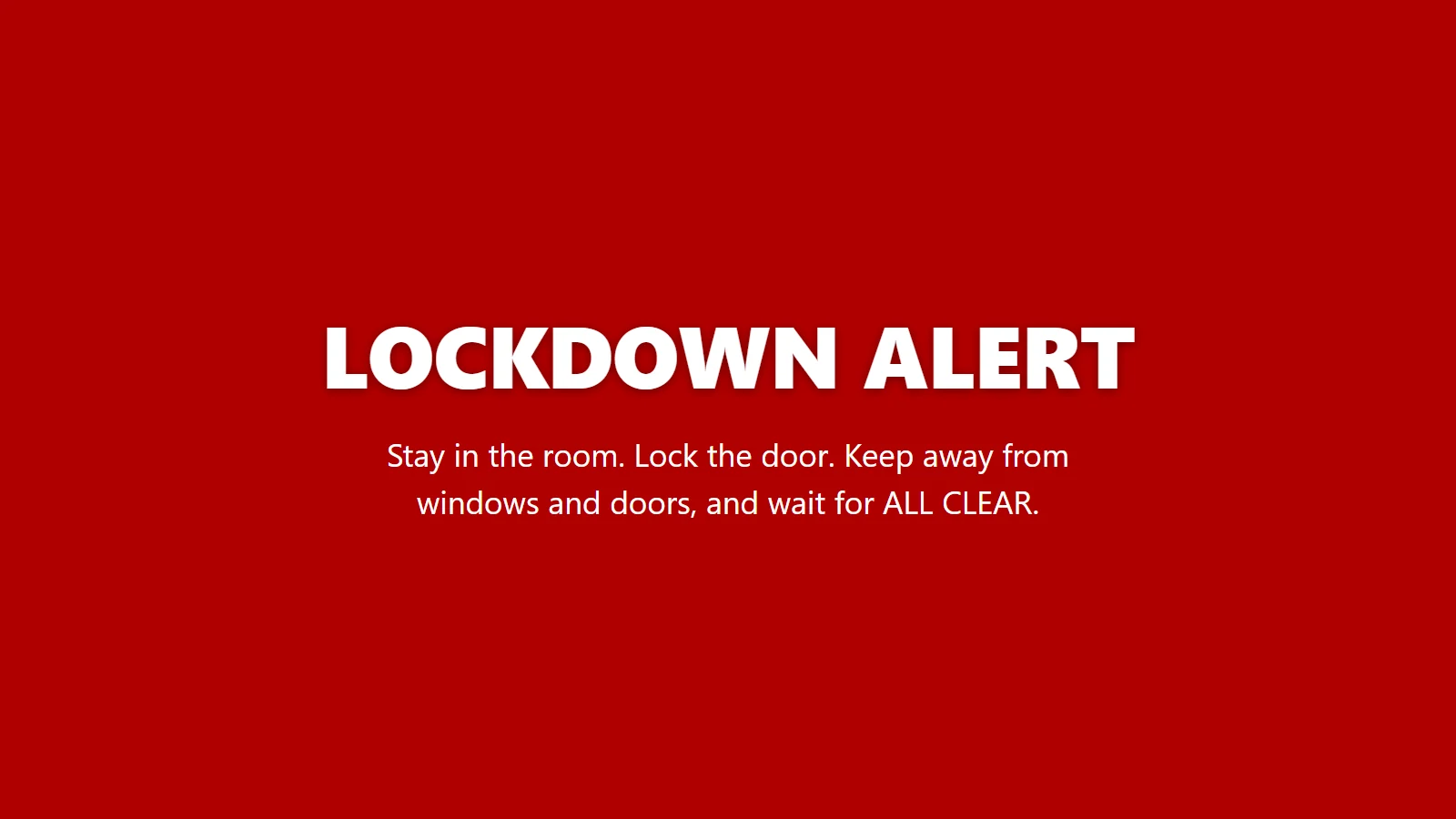
- Start it from almost anything: dial the lockdown number on any desk phone, press a panic button under the reception desk, press a button on the door intercom, let a CCTV rule start it, send an email, or tap the red button in the portal on any phone. Everything it works with.
- Every screen, at once: Windows PCs wake sleeping screens and show the alert over the lock screen, on every monitor, with a siren. Interactive panels, TVs and signage show it full screen.
- Until it is over: the alert stays until it is acknowledged or the ALL CLEAR is sent, then every screen shows ALL CLEAR.
- Drills that look like drills: amber with a TEST badge, run from the portal or on a schedule, and IT suites can skip drills out of hours while real lockdowns always get through.
- A record of every alert: who started it, how, when, how many screens showed it and when it was cleared.
Panic buttons for schools
The Lockdown Alert panic button is a small wireless button for under the reception desk or beside the door. One press and every screen at the school goes into lockdown. There is no wiring: plug in the hub and stick the button down. The kit is £165 per school, set up before it arrives, and extra buttons are £65 each. The battery lasts roughly two years.
For trusts
Each school in a trust is its own site, so a lockdown at one never appears at another. The trust's IT team sees every PC and screen at every school in one portal, deploys the Windows app to every PC through Microsoft Intune, and gets 20% off at five or more schools.
What it costs
| Plan | For | Price per school per year |
|---|---|---|
| Education 1 | Small primary, up to 250 devices | £395 |
| Education 2 | Large primary or secondary, up to 750 devices | £695 |
| Campus | Colleges and all-through schools, up to 1,500 devices | £995 |
Prices exclude VAT. Every plan includes every integration, the portal, drills, updates and UK support. Purchase orders are accepted. Full pricing.
Martyn's Law
Schools where 200 or more people can be expected are standard tier under Martyn's Law, and need procedures to lock down and to give people on site information quickly. The duties are expected from spring 2027. Lockdown Alert supports those procedures with the alert and a record that you test it; it does not replace your plan, your training or your PA. What Martyn's Law means for schools.
Questions people ask
What is the best lockdown alarm system for a UK school?
The best system for a school is one that sounds different from the fire alarm, reaches every room at once, can be started by any member of staff from several places, makes drills obvious and keeps a record, at a price the school can afford. Lockdown Alert does all of that using the PCs, panels and screens a school already has: it wakes sleeping screens and shows over locked PCs, starts from a phone call, panic button, email or the portal, and costs from £395 a year with no cabling. Keep the PA or a distinct tone for halls, fields and corridors.
Will the alert show on a PC that is locked or asleep?
Yes. On Windows PCs it wakes screens that have gone to sleep and shows the alert over the lock screen, on every monitor, with a siren. Nobody has to sign in and the PC stays locked. It stays until someone acknowledges it, the ALL CLEAR is sent, or the auto-close time you set.
How much does a lockdown alarm system for a school cost?
Lockdown Alert costs £395 a year for a small primary, £695 for a large primary or secondary and £995 for a college or all-through school, excluding VAT. A panic button kit is £165 per school. Trusts get 20% off at five or more schools. Wired beacon and sounder systems usually cost much more because every room needs cabling.
Do we need new hardware in every classroom?
No. Lockdown Alert uses the Windows PCs, interactive panels, TVs and signage screens you already have. Install the app on PCs, or open the wall display in any web browser. The only optional hardware is the wireless panic button kit.
Can any member of staff start a lockdown?
Yes, if you allow it. Staff can dial the lockdown number from any desk phone, press a panic button, send an email to your private lockdown address, or tap the red button in the portal on their phone. You decide who has access.
Does it replace our bell or PA?
No. It works alongside them and reaches the rooms and people they can miss: quiet rooms, IT suites, offices and staff in headphones. Keep a tone or PA message for halls, fields and corridors.
Will pupils mistake a drill for a real lockdown?
No. A drill is always amber with a TEST badge, and a real lockdown is red. Drills can run on a schedule, and the portal records each one for governors.
Can we try it first?
Yes. The free trial lasts 30 days, covers 25 devices and includes every integration, with no card needed. When it ends nothing is billed.
Sources
- Protective security and preparedness for education settings (DfE, PDF)
- Terrorism (Protection of Premises) Act 2025: statutory guidance (Home Office)
- Terrorism (Protection of Premises) Act 2025 (legislation.gov.uk)
This page is general information, not legal or security advice. Your own risk assessment and local police advice come first.
Try it in your school
30 days, 25 devices, every integration. No card needed.