
Panic button and desktop alert system for businesses
An intruder at reception. A violent visitor. A threat outside. One press of a panic button, one call or one email, and every PC and screen in the building shows your alert, with sound.
Correct at 11 October 2026. We review this page against the official sources regularly and update it when something changes.
Why a panic button alone is not enough
Many panic alarms only alert a monitoring centre or a manager. That gets help on the way, but the people in the next office, the back room and the meeting room still do not know. When the threat is in the building, the people nearby need to know at once what to do: stay in the room, lock the door, keep away from the windows.
Lockdown Alert links the panic button to every screen in the building. One press, and every PC and screen on site shows your alert in seconds, in your words, with sound.
What it does
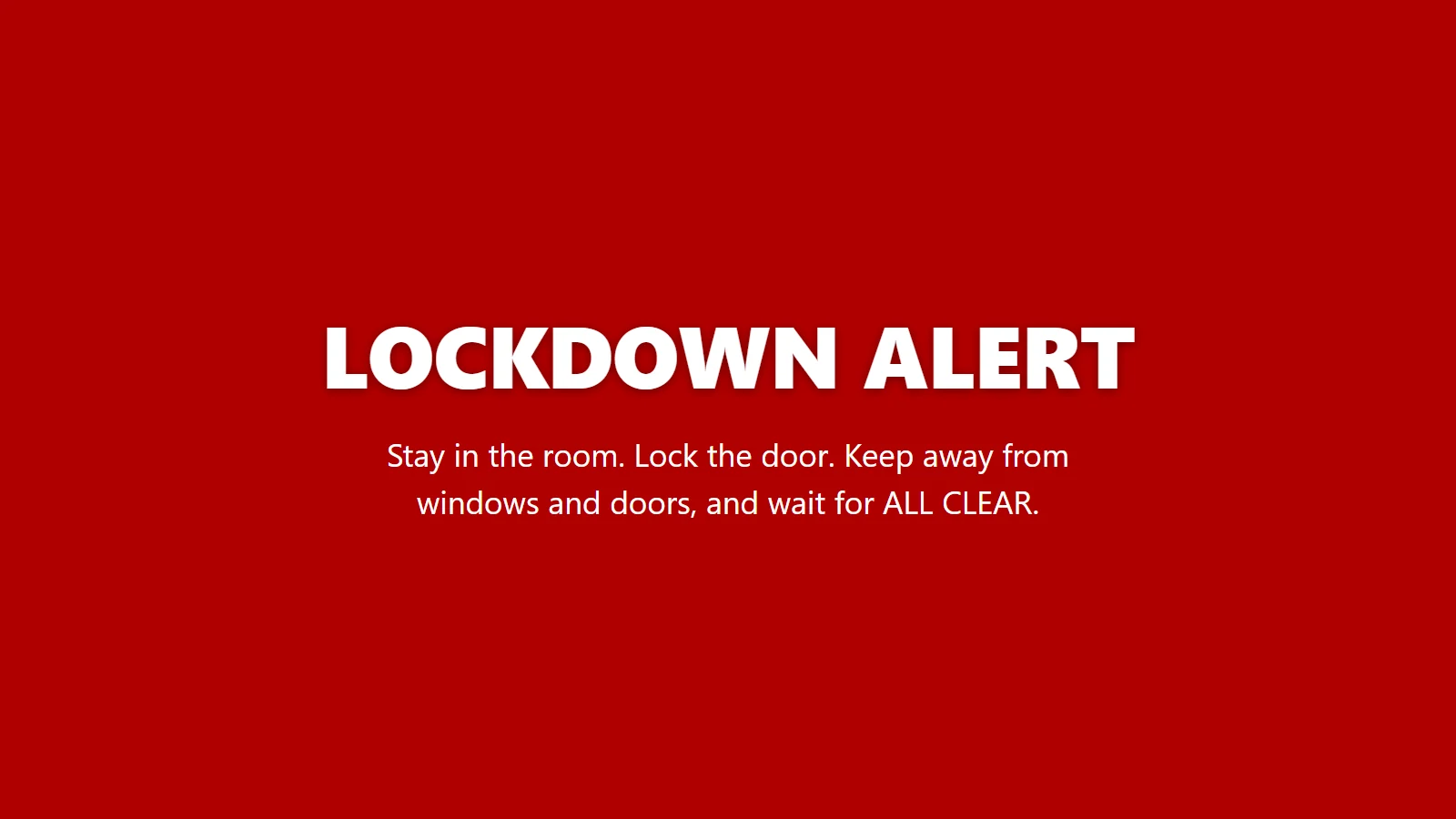
- Desktop alerts that cannot be missed: Windows PCs wake sleeping screens and show the alert full screen over the lock screen, on every monitor, with a siren. Android devices and Chrome browsers go full screen too.
- Wall screens and signage: any TV or screen with a web browser becomes a wall display, and it works with signage systems such as Yodeck, Xibo, ScreenCloud and Signagelive.
- Many ways to start it: a wireless panic button, the lockdown number dialled from any desk phone, a door intercom button, a CCTV alarm rule, an email from an alarm panel, or the red button in the portal. Everything it works with.
- An all clear: from the portal, by email or from the phone system. Every screen shows ALL CLEAR at once.
- A record: who started each alert, how, when, how many screens showed it and when it was cleared.
Where businesses use it
| Workplace | How it is used |
|---|---|
| Office reception | A panic button under the desk, or the lockdown number dialled from any desk phone. |
| GP surgeries and clinics | Tell every consulting room at once, quietly, without a shout that frightens patients. |
| Care homes | Staff in every wing know straight away, without an alarm that distresses residents. |
| Warehouses and depots | A door intercom, a CCTV rule or an alarm panel starts it, and the wall screens show it. |
| Several sites | One portal for every site. An alert at one site stays at that site, and every alert and drill is on record. |
The panic button kit
A small wireless button for under the reception desk or beside the door. No wiring: plug in the hub and stick the button down. The kit is £165 per site, set up for your site before it arrives, and extra buttons are £65 each. The battery lasts roughly two years. Already have smart buttons or sensors? Anything that works with IFTTT or Zapier, or can open a web link, can start an alert too.
Compared with mass notification and SMS services
Emergency notification services that send texts and app messages are good for reaching people who are away from the building. Inside the building they depend on staff carrying their phones and looking at them. Lockdown Alert puts the alert on the screens people are already looking at, and does not depend on anyone's personal phone. Many organisations use both.
What it costs
| Plan | Devices | Price per site per year |
|---|---|---|
| Business 1 | Up to 50 | £350 |
| Business 2 | Up to 250 | £650 |
| Business 3 | Up to 500 | £995 |
| Business 4 | Up to 1,000 | £1,495 |
Prices exclude VAT. Over 1,000 devices, get a quote from the pricing page. 20% off at two or more sites. Every plan includes every integration, the portal, drills, updates and UK support. Full pricing.
Martyn's Law for workplaces
Premises where 200 or more people can be expected, including staff, come under Martyn's Law and need procedures to lock down and to give people on site information quickly. The duties are expected from spring 2027. Lockdown Alert supports those procedures; it does not replace them. What Martyn's Law asks for and how to write a lockdown procedure.
Questions people ask
What is a panic button system?
A panic button system lets staff raise an alarm with one press, usually from a button under a desk or by a door. Lockdown Alert links the button to every PC and screen in the building, so everyone on site sees the alert and the instructions at once.
What is a desktop alert?
A desktop alert is an urgent message that appears on computer screens across an organisation. Lockdown Alert's desktop alert goes full screen on Windows PCs, wakes sleeping screens, shows over the lock screen and plays a siren, and stays until it is acknowledged or the all clear is sent.
How much does a panic button system for an office cost?
Lockdown Alert costs from £350 a year per site for up to 50 devices, excluding VAT. The wireless panic button kit is £165 per site, with extra buttons at £65. There is no wiring or installation visit.
Does it need wiring or an installer?
No. The panic button kit is plugged in and stuck down, and the Windows app installs on PCs by hand or through Microsoft Intune. Wall screens just open the wall display in a web browser.
Does it call the police?
No. Lockdown Alert tells everyone inside the building. Your procedure should still say who calls the police and when.
Can we try it first?
Yes. The free trial lasts 30 days, covers 25 devices and includes every integration, with no card needed. When it ends nothing is billed.
Sources
- Terrorism (Protection of Premises) Act 2025: statutory guidance (Home Office)
- Ensure that lockdown procedures are known, tried and tested (ProtectUK)
- Terrorism (Protection of Premises) Act 2025 (legislation.gov.uk)
This page is general information, not legal or security advice. Your own risk assessment and local police advice come first.
Try it in your building
30 days, 25 devices, every integration. No card needed.